Dragon Arena Codes
Working promo codes, redeem steps, and expiry notes for FreeSpin and more.
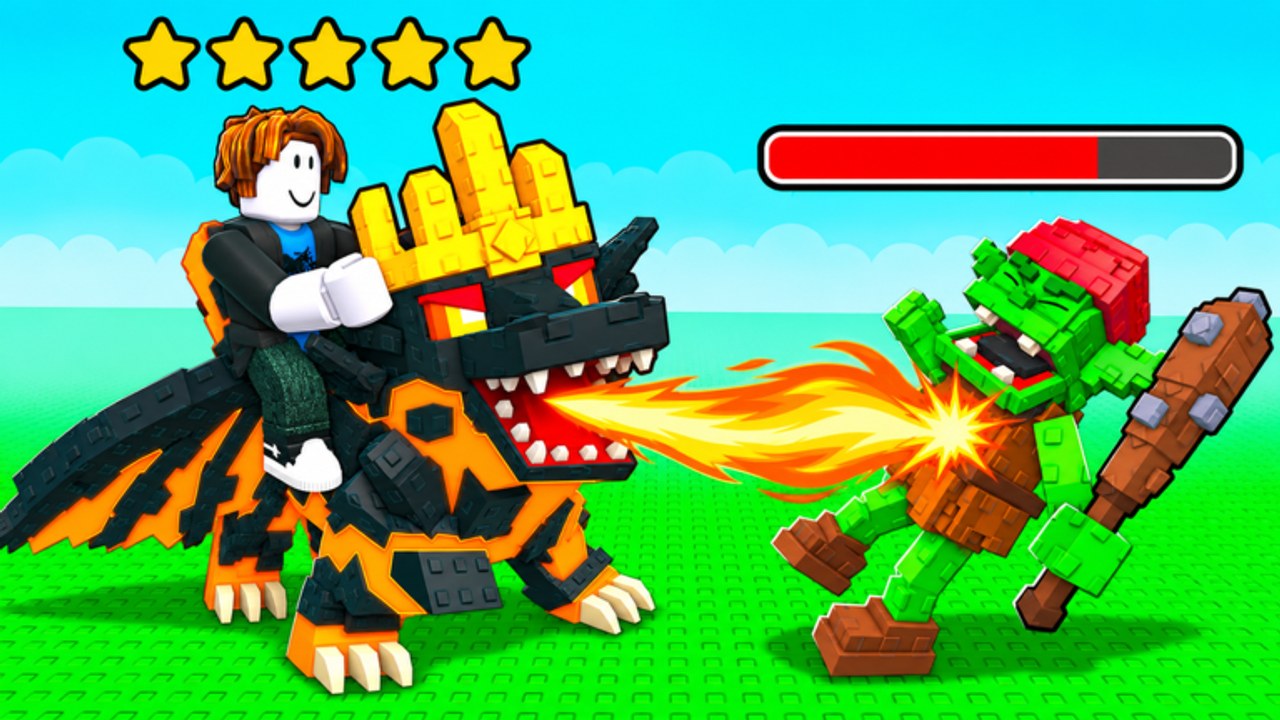
Promo codes are one of the fastest ways to boost early progress in Dragon Arena, the wave-based dragon tycoon from Vegle & Data 3. A single working code can hand you a free Powers Spin or a damage potion before you have farmed enough coins from waves. This hub lists every code we track, marks which ones still appear on the official Roblox description, and walks through exact redeem steps so you do not waste time hunting menus.
Dragon Arena launched on October 16, 2026 and already sits above 1.6 million visits with thousands of concurrent players on busy evenings. Codes rotate when the developers push updates, so treat this page as a living checklist: redeem what is active today, note anything marked try-at-own-risk, then circle back after major patches such as the Thanksgiving Update. For a full beginner path after claiming gifts, open the Getting Started guide.
Active codes
| Code | Reward | Status |
|---|---|---|
FreeSpin | Free Powers Spin | ACTIVE —?listed on the official Roblox game description |
FreeSpin is the headline gift right now. Entering it grants a free spin on the Powers wheel, which can drop combat boosts that matter as soon as you start clearing early waves. Because it still appears on the Roblox description for place Dragon Arena, it is the safest redeem on this list. Claim it on every account you play, including alts you use for breeding experiments.
Probably expired / try at your own risk
| Code | Reported reward | Status |
|---|---|---|
Release | Damage Potion | Likely expired —?removed from the Roblox description around November 15, 2026; some fan sites still list it |
Release was widely shared at launch as a Damage Potion code. After mid-November it no longer shows on the official description. You can still type it once if you want to confirm locally, but expect a failed redeem. Do not plan builds around the potion. Prefer reliable coin income from waves and the free Powers Spin instead.
How to redeem codes
Redeeming is quick once you know the Shop path (confirmed by community write-ups such as GameRant):
- Launch Dragon Arena on Roblox (PC, mobile, tablet, or console).
- Open the Shop menu from the main HUD.
- Find the code box / redeem field inside Shop.
- Type the code exactly —?capitalization usually matches the table (
FreeSpin, notfreespin). - Confirm and check your inventory or Powers UI for the reward.
If the box rejects the code, double-check spelling, wait a few seconds for server sync, then try again. Codes are typically one redeem per account. Controllers are supported, so console players can navigate Shop with the same flow.
Where to find new codes
New codes usually surface in three places:
- The official Roblox game description (always check first).
- Developer social posts from @VegleRBX around patch days.
- This wiki—檚 Updates Hub after holiday events and balance drops.
Join the developer group when you can —?the game advertises a FREE EGG for group members, which stacks well with code rewards for hatching. Pair group eggs with the Hatching Eggs guide and the Powers Spin guide so free spins turn into lasting combat power.
What to do after redeeming
A free Powers Spin is only valuable if you spend the result wisely. Early on, prioritize damage or wave-clear boosts so your elemental dragons (Fire, Water, Earth, Ice) push further before you AFK. Dragons continue fighting offline, so a short spin reward can compound overnight while you sleep. After claiming codes:
- Hatch or assign dragons to your plot and start a wave run.
- Breed toward rarer lines —?see Breeding Dragons.
- Check the Tier List Hub for which elements punch above their weight on early versus late waves.
- Watch for 5-star unique dragons as a long-term chase (Five-Star Dragons).
Codes etiquette and common mistakes
Do not share private test codes from friends if the developers asked you to keep them closed. Public codes like FreeSpin are meant for everyone. Avoid third-party —渃ode generators—?—?they are scams. Never paste unknown links that ask for your Roblox password. This wiki will never ask for account credentials.
Common failures: typing spaces, using outdated lists that still push Release as active, or looking for a codes button outside Shop. If Shop has no code field after a big update, wait for a hotfix and recheck the Updates page.
Stay current
We refresh this hub whenever the Roblox description or developer posts change. Bookmark it, redeem FreeSpin today, skip expired entries, then jump into Waves and Bosses to convert free power into coins. When the Thanksgiving content lands, return here —?holiday codes often drop alongside new bosses, mobs, and dragons.
Frequently Asked Questions
Quick answers for Dragon Arena players.
What is the working FreeSpin code reward?
FreeSpin grants a free Powers Spin. It is listed on the official Roblox game description and is treated as active on this wiki.
Does the Release code still work?
Probably not. Release was reported as a Damage Potion code but was removed from the Roblox description around November 15, 2026. You may try it once; expect it to fail.
Where do I redeem Dragon Arena codes?
Open the Shop menu in-game and use the code box there. Type the code exactly, then confirm. Rewards appear in inventory or the Powers UI.
How often do new codes appear?
Usually around launches, milestones, and holiday updates. Check the Roblox description, @VegleRBX posts, and this Codes Hub after events like the Thanksgiving Update.
Can I redeem codes on mobile and console?
Yes. Dragon Arena supports PC, mobile, tablet, and console with controller support. Use the same Shop 鈫?code box flow on every platform.